Building your first DUVO agent is simple and can be done in just a few steps. Whether you prefer describing your workflow in plain English, starting from a template, or writing detailed AOPs yourself, DUVO gives you the flexibility to work in the way that suits you best.

Step 1: Create a New Agent

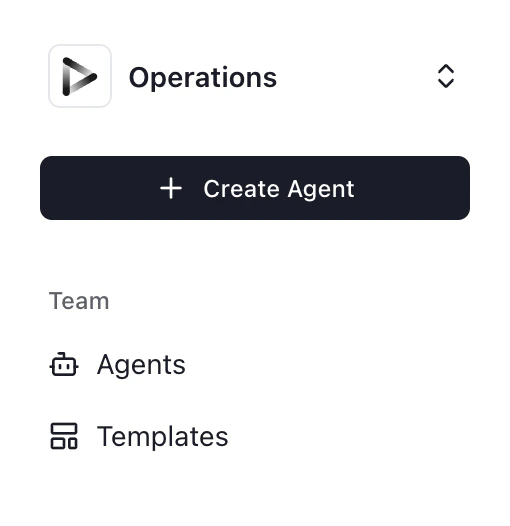
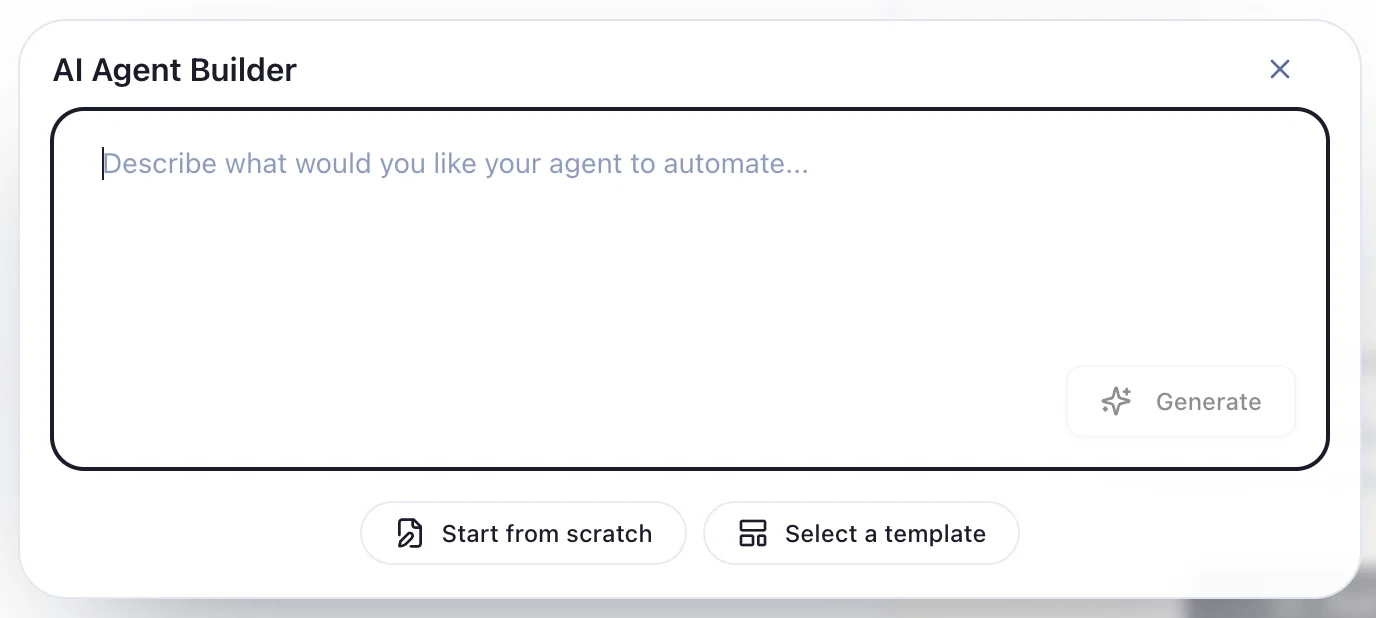
Click the ”+ Create Agent” button to begin. You’ll be prompted to choose how you want to build your agent. Create Agent button and build-method picker
Step 2: Choose Your Build Method

You have three ways to build your agent: The three Agent build options: Builder, Template, and Manual The Agent Builder allows you to describe your workflow in plain English, just like explaining a task to a colleague. Simply type what you want the agent to do, and DUVO will generate the structured AOP for you. This is the fastest way to get started and requires no technical knowledge. The Agent Builder translates your conversational description into detailed AOPs automatically. Learn more: Getting Started with the Agent Builder
Option 2: Start from a Template

Browse DUVO’s library of pre-built templates for common workflows like expense processing, customer onboarding, inventory management, and weekly reporting. Templates provide a ready-made starting point that you can customize to fit your specific needs. This option is perfect when your workflow matches a common business process—you can deploy faster by adapting an existing template rather than starting from scratch.

Option 3: Start from scratch (Manual)

If you prefer complete control or have complex requirements, you can write the agent AOP directly. This method gives you precise control over every aspect of your agent’s behavior, including goals, triggers, steps, decision logic, and error handling. This approach is ideal for experienced users or when you need to create highly customized workflows with specific conditions and rules. Learn more: Agent AOP